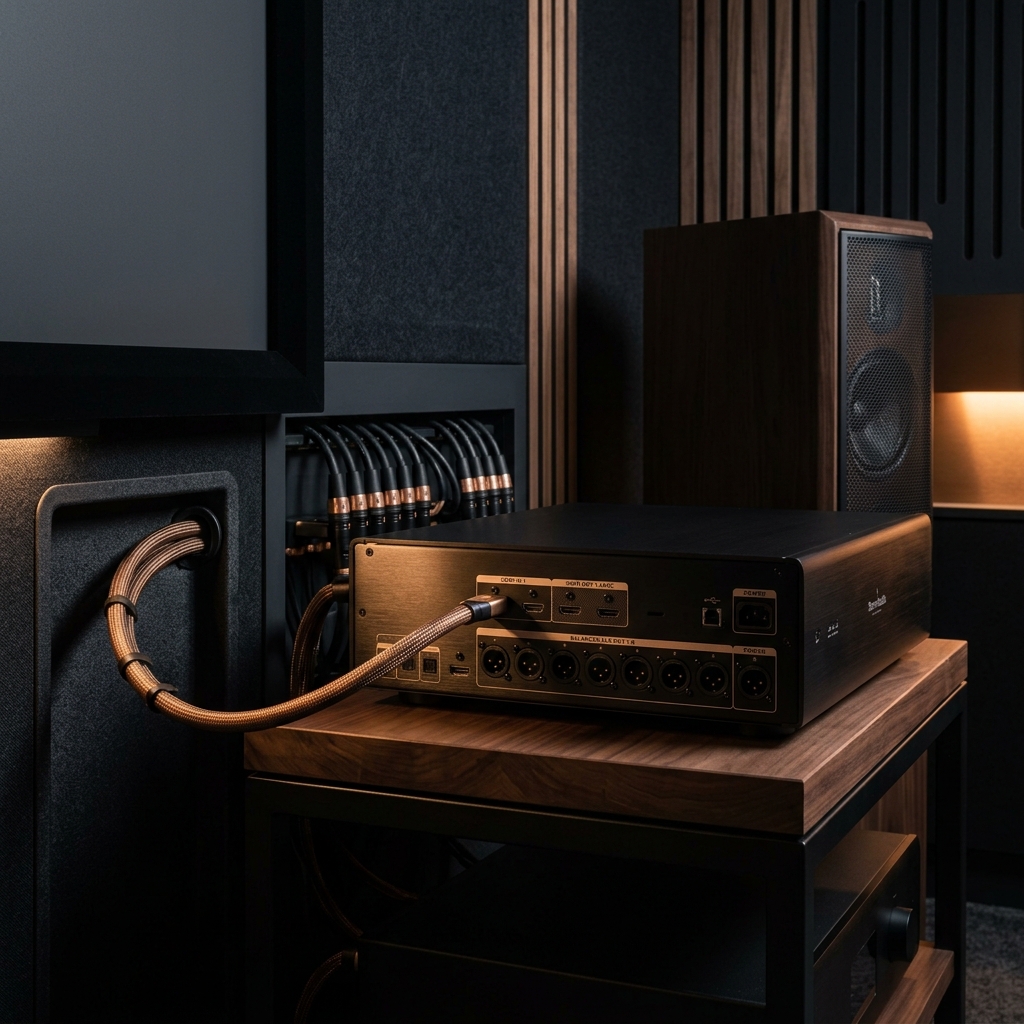
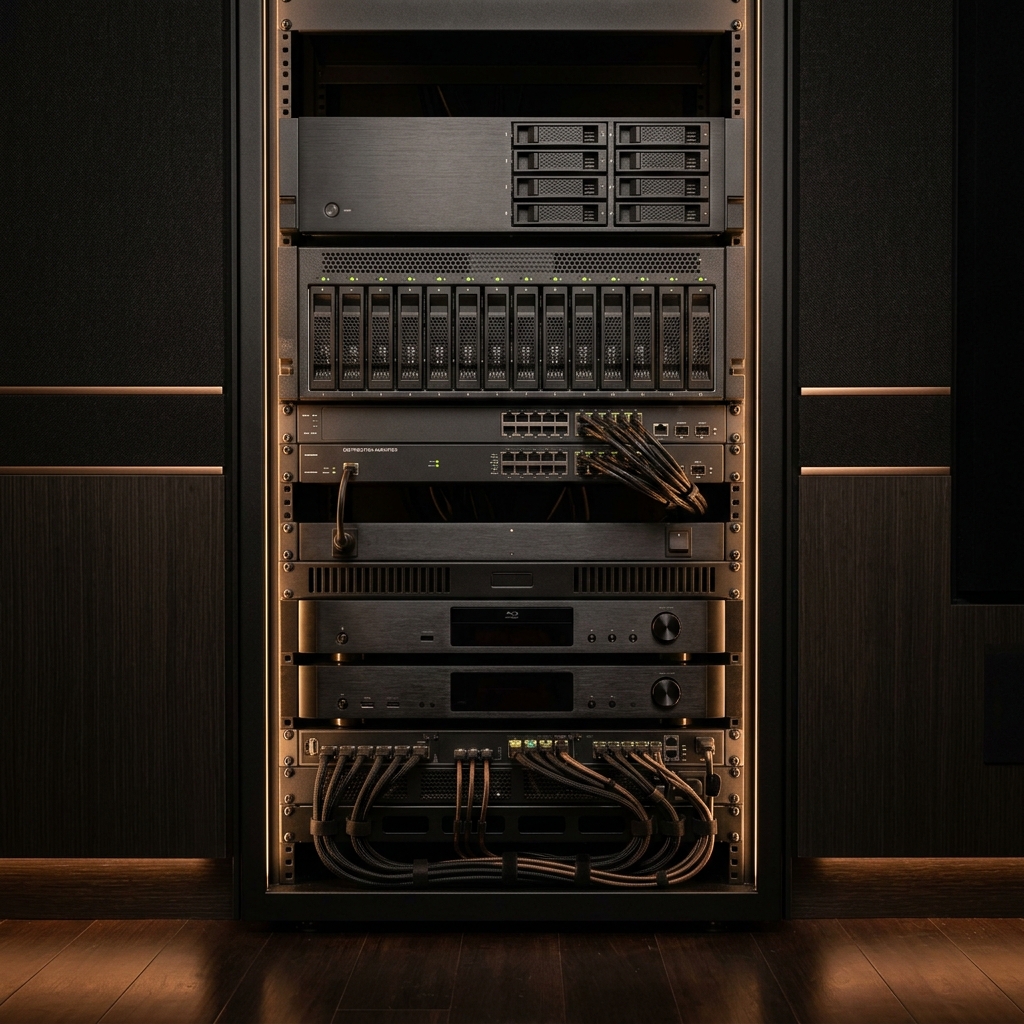
AV signal chain equipment

The full playback chain.
Perfected.

Five specialised service areas. Each addresses a distinct layer of your cinema system — because every link matters.

Media server and NAS setup
01

Media Library &
Playback Setup

A disorganised media library is the most common — and most overlooked — barrier to a premium playback experience. Wrong metadata, mismatched file names, missing artwork, incorrect chapter markers, and broken links all degrade the experience before a single frame plays.

Cinema Machina builds structured, fully resolved libraries across Plex, Jellyfin, Kodi, and NAS environments — with exhibition-quality metadata, custom artwork, and a folder logic that scales cleanly.

  • Plex, Jellyfin, Kodi library construction and configuration
  • NAS setup and media share configuration (Synology, QNAP)
  • Custom metadata agents and artwork resolution
  • File naming, folder structure, and version management
  • Local subtitle management and language configuration
  • Library scanning optimisation and scheduled maintenance
Plex
Jellyfin
Kodi
Synology

Outcome

A library that opens clean, loads instantly, displays correctly, and scales without breaking as your collection grows.

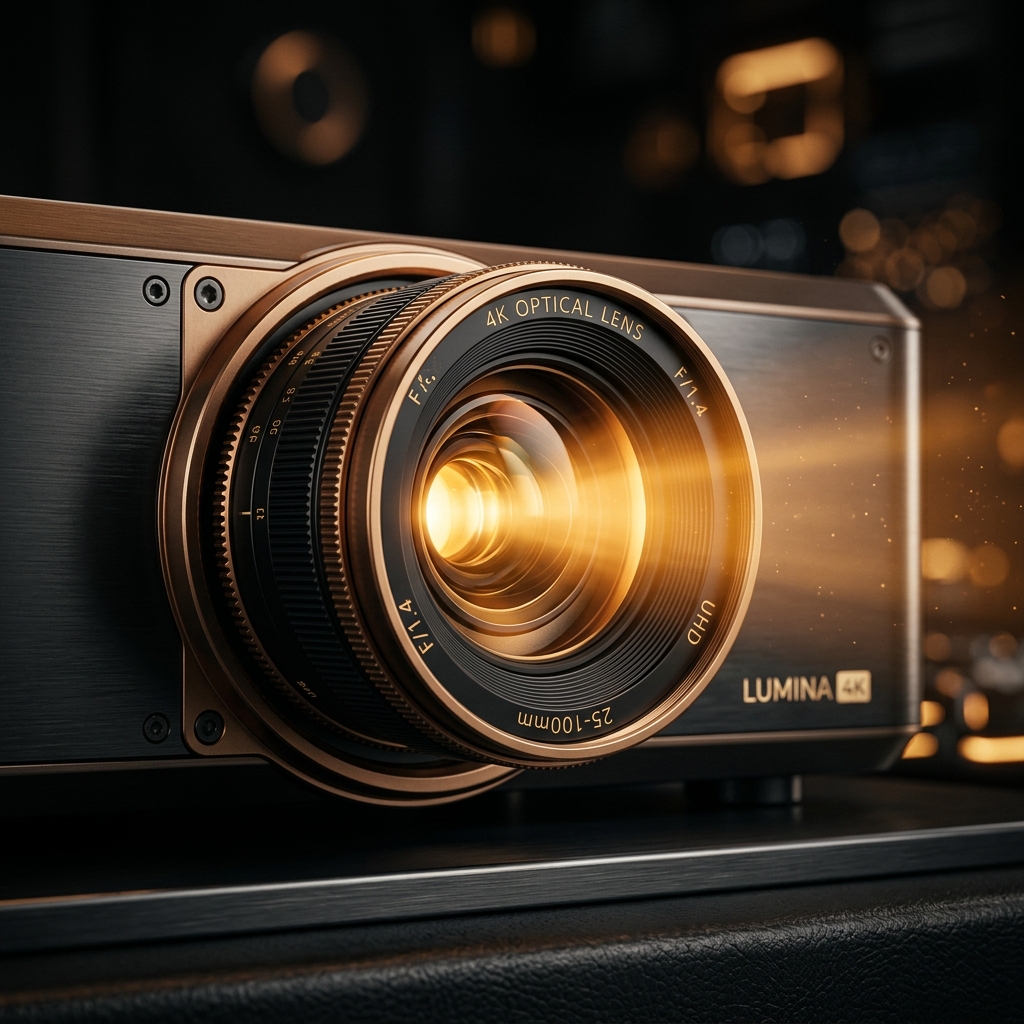
Premium playback device
02

Playback Devices &
Platform Guidance

Every playback device has a native capability ceiling — and most are never configured to reach it. The same Zidoo or Nvidia Shield set up by different hands will perform very differently in practice.

Cinema Machina configures each device to unlock its full capability for your specific signal chain — correct output resolution, frame rate, HDR format, audio codec routing, and client application behaviour.

  • Zidoo media player — full ZidooMC and ZDMC configuration
  • Dune HD — firmware selection, ISP optimisation
  • Nvidia Shield — Kodi / Plex / Shield Experience setup
  • Apple TV — MrMC, Infuse, VLC configuration
  • CoreELEC — AMLogic device setup and HDR passthrough
  • Platform selection guidance based on your library and signal chain
Zidoo
Dune HD
Nvidia Shield
Apple TV
CoreELEC

Outcome

Your device performing exactly as its engineering intended — every time, for every file format in your library.

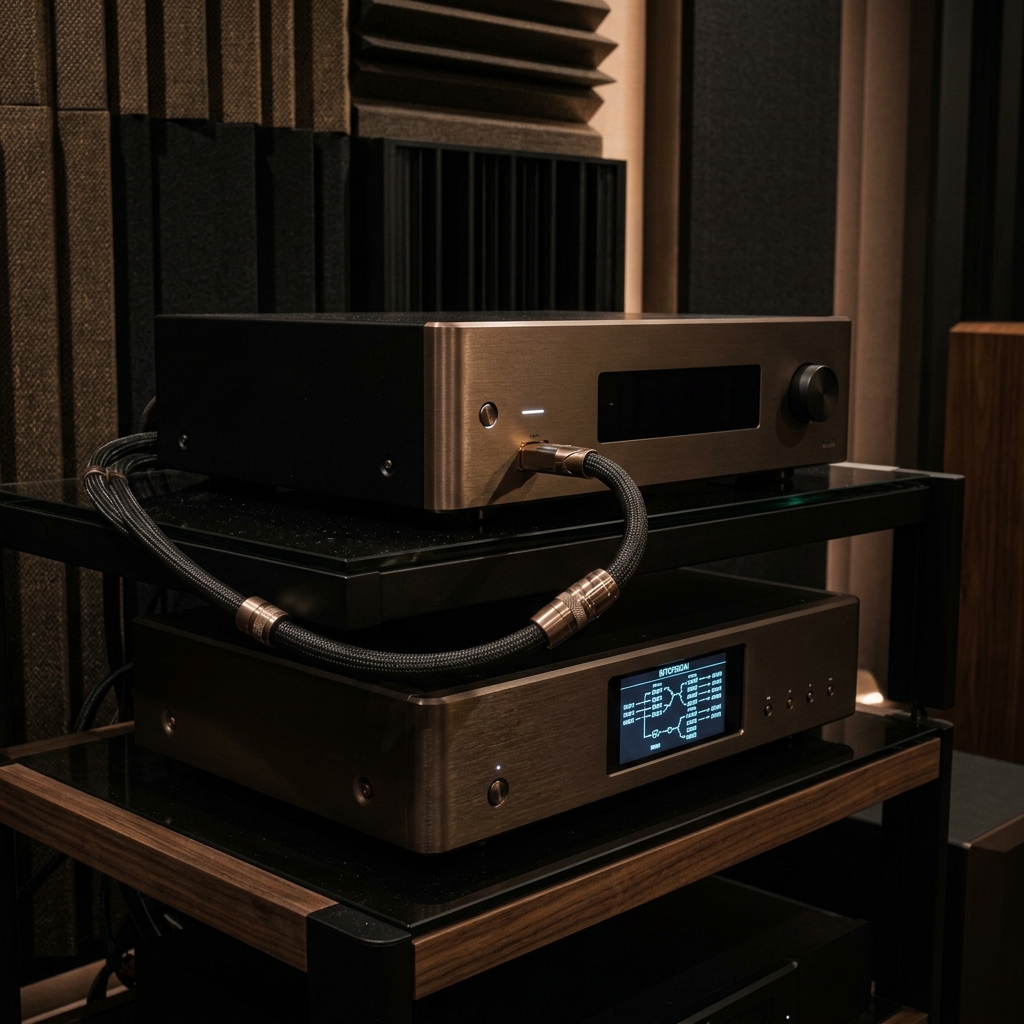
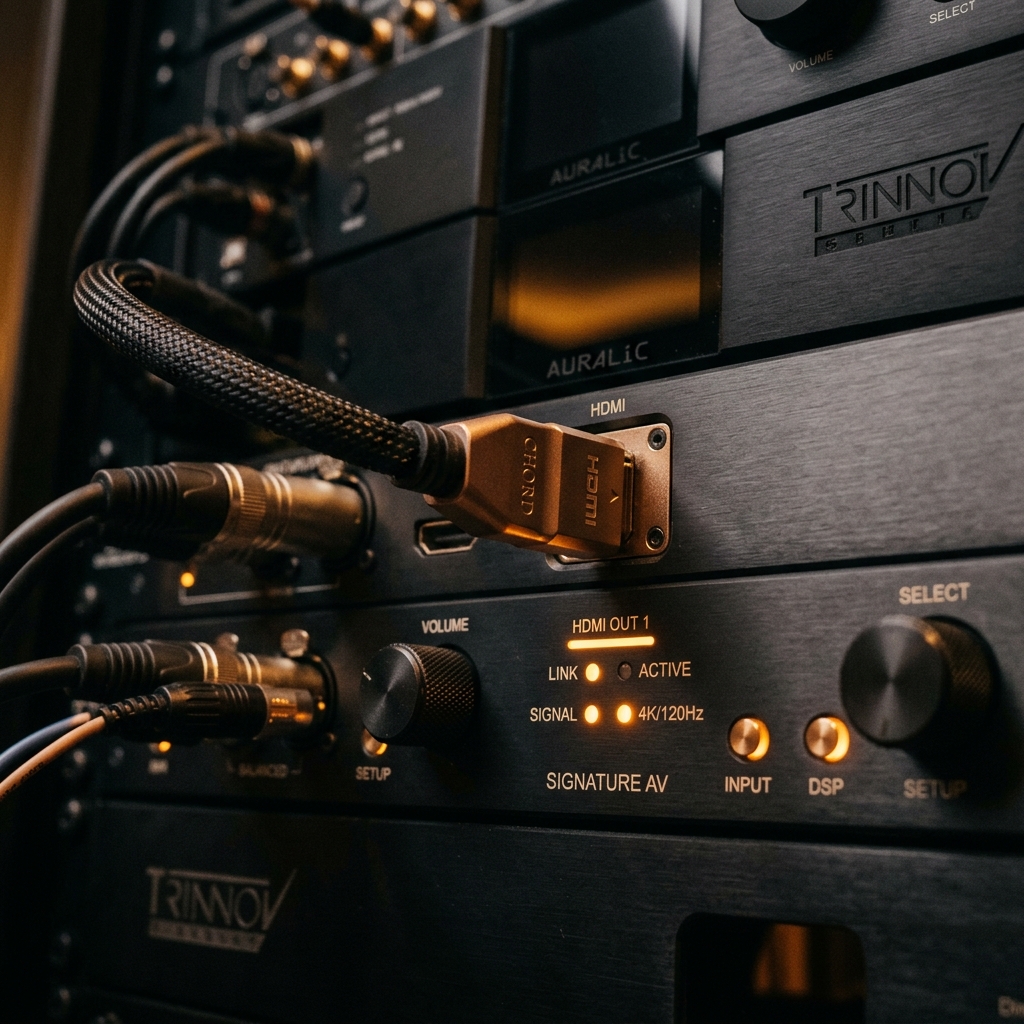
HDMI and AV processor signal chain
03

HDMI & Signal Chain
Optimisation

The path between your source and your display is where most luxury systems fail silently. HDMI negotiation errors, incorrect colour space declarations, missing EDID handshakes, and audio extraction failures are invisible to most users — until we show them what they've been missing.

We trace the complete signal path — source device, processor, switch, display, and speakers — and verify each link. Where there are compromises, we resolve them systematically.

  • Full HDMI chain audit from source to display
  • EDID management and display negotiation verification
  • AV processor input configuration and audio routing
  • HDR metadata passthrough verification (HDR10, DV, HLG)
  • Dolby Atmos / DTS:X bitstream integrity testing
  • 4K/120Hz and VRR compatibility verification

Outcome

A signal chain where every link is verified, every handshake confirmed, and every format reaches your processor and display intact.

Signal analysis and diagnostics
04

Playback Diagnostics

Stuttering. Frame drops. Audio sync drift. HDR mapping that looks wrong. Codec failures that silently fall back to downmixed stereo. These are common problems in luxury cinema systems — and they're rarely visible without the right tools.

Cinema Machina provides structured diagnostic sessions that isolate the source of playback issues — whether they originate in the media file, the playback software, the device firmware, or the signal chain.

  • Stuttering and frame-pacing analysis
  • Audio-visual sync measurement and correction
  • HDR format mismatch identification
  • Codec passthrough failure diagnosis
  • Network-related buffering and latency diagnosis
  • Post-change verification after any system modification

Outcome

A clean playback baseline — with documentation of what was found, what was fixed, and what to monitor going forward.

Premium cinema viewing environment
05

Premium Viewing
Refinement

This is the final, most nuanced layer. Beyond setup and configuration, there are decisions that separate a good system from a truly exceptional one. How your projector tone-maps Dolby Vision. How your device handles 23.976 vs 24Hz. Whether your HDR metadata is being honoured or overridden.

Cinema Machina builds custom playback profiles for your system — calibrated to your content, your room, and your processor — then verifies against a reference library to confirm the result.

  • Frame rate matching configuration (23.976, 24, 25, 30, 60Hz)
  • HDR zone and tone-mapping profile tuning
  • Display calibration pre-pass and hand-off to calibrator
  • Dolby Vision / HDR10+ profile selection per device
  • Custom Kodi / Plex / Jellyfin skin and UI configuration
  • Reference playback testing against known-good files

Outcome

A cinema system that performs with intention — where every creative decision by the filmmakers reaches the screen exactly as it should.

Dolby Vision
Dolby Atmos
Dolby TrueHD
DTS-HD Master Audio
DTS:X
HDR10+

Every system is different.
Every engagement is tailored.

Book a private consultation. We’ll assess your current setup, identify the most important interventions, and propose a clear engagement plan to restore performance.